We are pleased to announce the release of Bulkchain version 3.0.0!
Release date
This version is released to UAT on 8th of October 2026.
Bulkchain users must validate the changes in this version, along with each user's most important business scenario’s. For any help regarding demo data to test those scenario’s, this can be requested via bulkchainsupport@nxtport.com.
This version is released to PRD on [TBC].
Improvements
API
URL paths have been updated to api-bulkchain-uat.nxtport.com for UAT and api-bulkchain.nxtport.com for PRD.
More info:
Make sure to request the latest open API spec via bulkchainsupport@nxtport.com.
|
Object |
Change |
Operations |
Role |
Messages |
|---|---|---|---|---|
|
Stock Keeping Unit |
|
Create SKU Update SKU Create VLO Update VLO (assign SKU) |
LSP |
BCTV0006 - updated BCBV0034 - removed |
|
Stock Keeping Unit |
|
Create SKU as batch |
LSP TO |
New success notification: A Terminal Delivery Order has been updated by the following Logistics Service Provider:[lspNxtEntityId]. A SKU batch has been created. |
|
Stock Keeping Unit |
New method has been added to update a SKU by its PUT |
Update SKU as batch |
LSP TO SA |
BCBV0044 - new BCBV0045 - new |
|
Stock Keeping Unit |
New method has been added to update the PATCH |
Update SKU as batch |
LSP |
BCBV0046 - new |
|
Stock Keeping Unit |
|
Create SKU Update SKU |
LSP TO |
BCBV0003 - removed |
|
Stock Keeping Unit |
Response message has been extended with following properties:
|
Get SKU |
LSP TO SA |
/ |
|
Visit |
Response message has been extended with following properties:
|
Get Visit |
LSP TO |
/ |
|
Vessel Load Order |
New method to export a Permit in state “Mate’s Receipt”. In the request you must provide the GET |
Get Permit |
LSP TO SA |
BCBV0043 - new |
|
Vessel Load Order |
|
Create VLO Update VLO as LSP Update VLO as SA |
LSP SA |
BCTV0001 |
|
Vessel Load Order |
Validation rule added that if a VLO containers dangerous SKU, that all SKU must be dangerous |
Create VLO Update VLO as LSP (assign SKU) |
LSP |
BCBV0041 - new |
|
Vessel Load Order |
|
Create VLO Update VLO as LSP Update VLO as SA |
LSP SA |
BCTV0001 |
|
Vessel Load Order |
|
Create VLO Update VLO as LSP |
LSP |
BCTV0001 |
|
Package Code |
Get method has been added to retrieve package codes. The synchronous response contains the list of codes and names according to CL017 in PN/TS. A package code must be added when creating a SKU. |
Get Package Codes |
LSP SA TO |
/ |
|
Terminal |
Get method has been added to retrieve terminals with a Bulkchain subscription. The synchronous response contains the nxtEntityId, name and terminalCodes |
Get Terminals |
LSP SA TO |
/ |
UI
NxtPort is building a new User Interface that enhances the UX and therefore is more future-proof. Following features have been developed so far and are available in this version:
|
Feature |
Role |
|---|---|
|
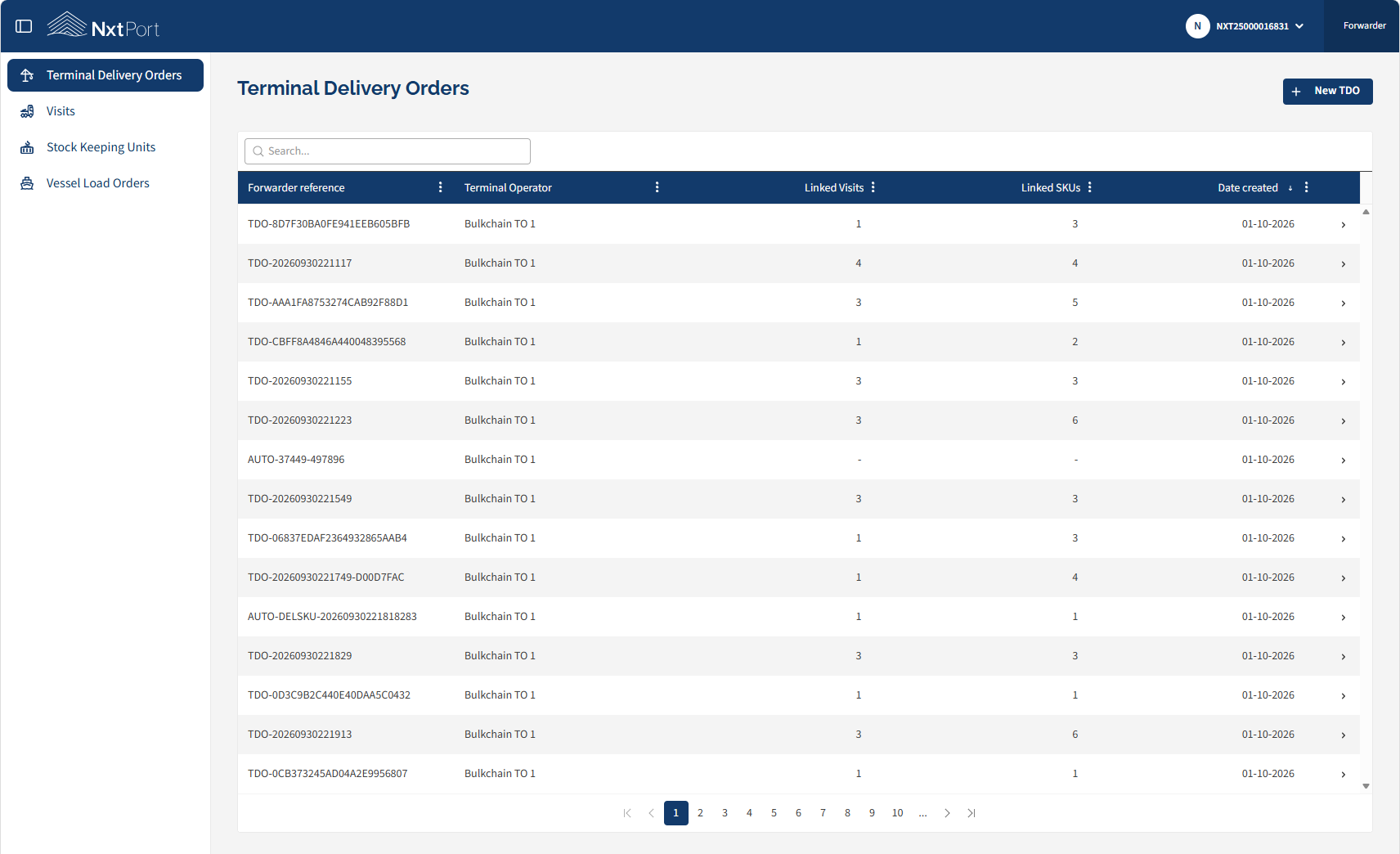
Terminal Delivery Order (TDO) list |
LSP, TO |
|
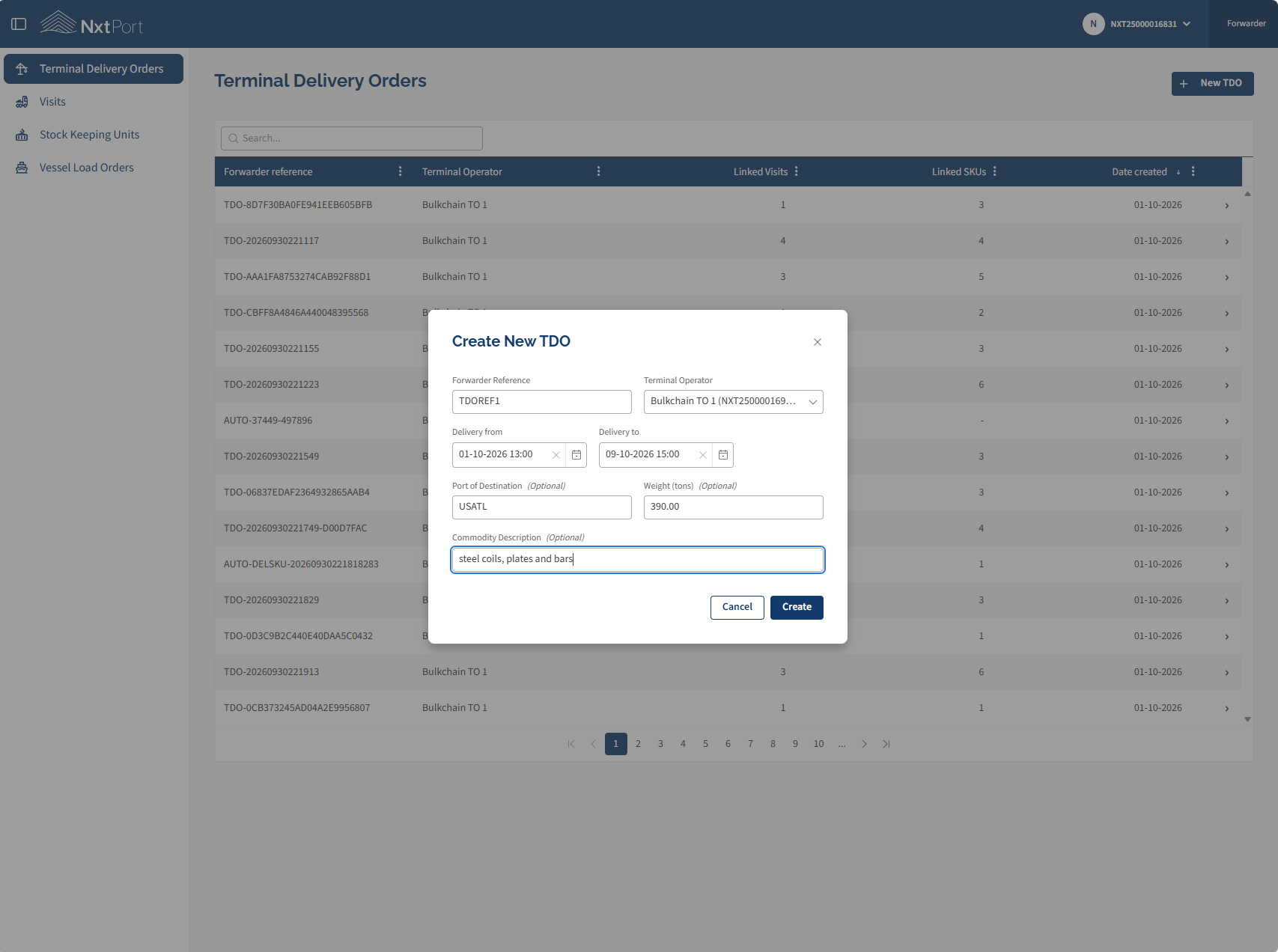
Add new TDO |
LSP |
|
TDO detail |
LSP, TO |
|
Edit / delete TDO |
LSP |
|
Add Stock Keeping Unit (SKU) to TDO |
LSP |
|
Add Visit to TDO |
LSP |
|
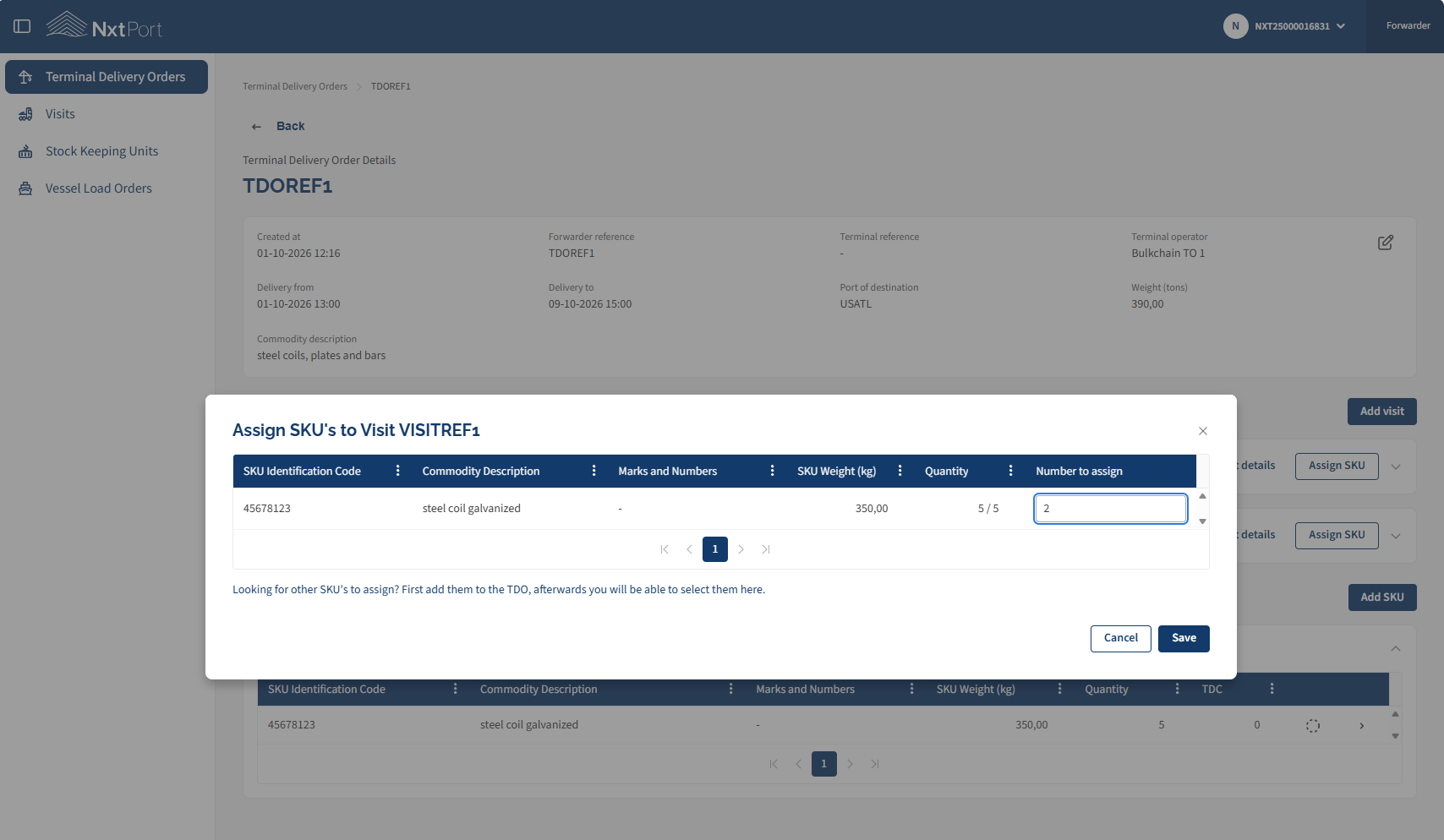
Assign SKU to Visit |
LSP |
|
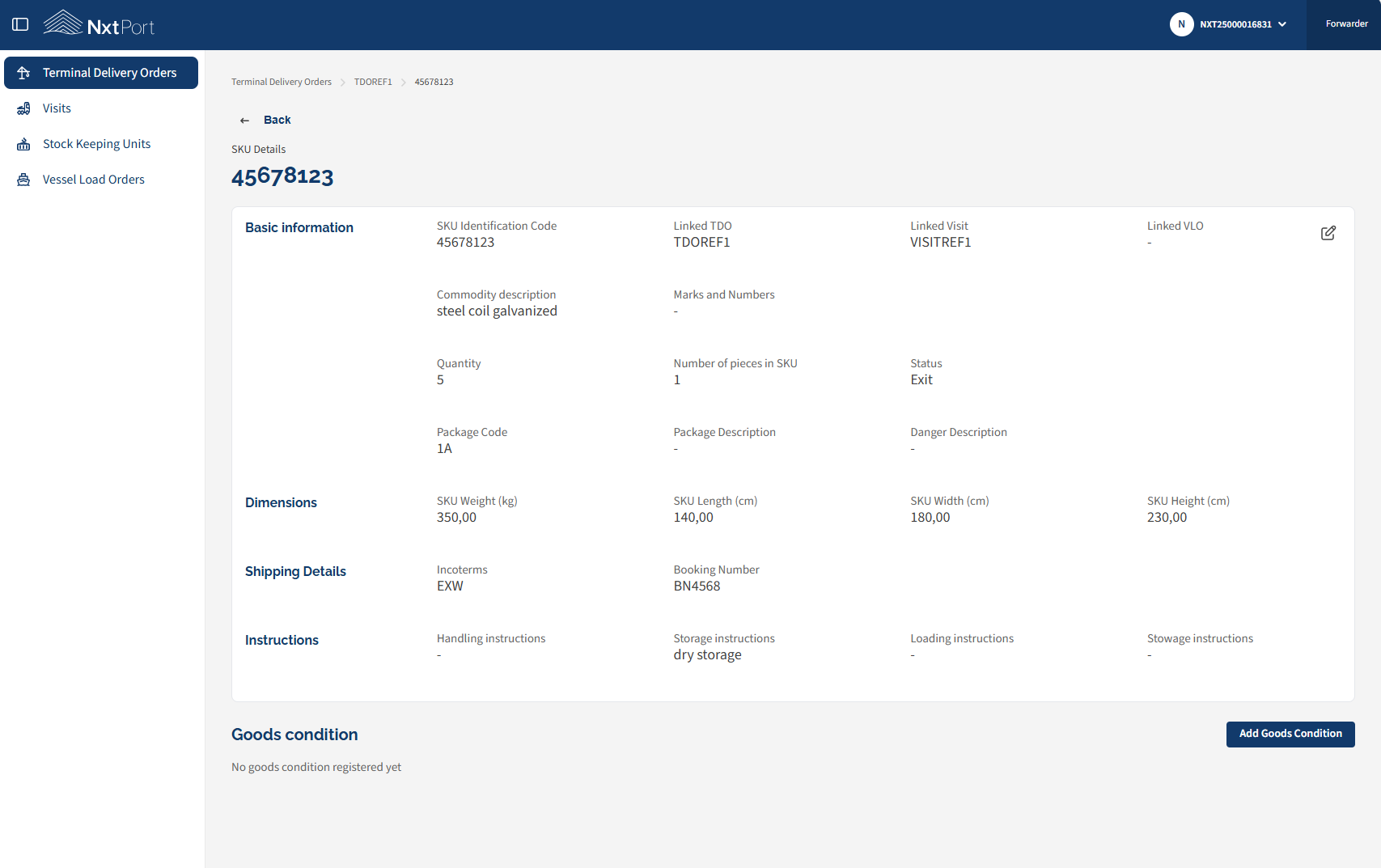
SKU detail |
LSP, TO |
|
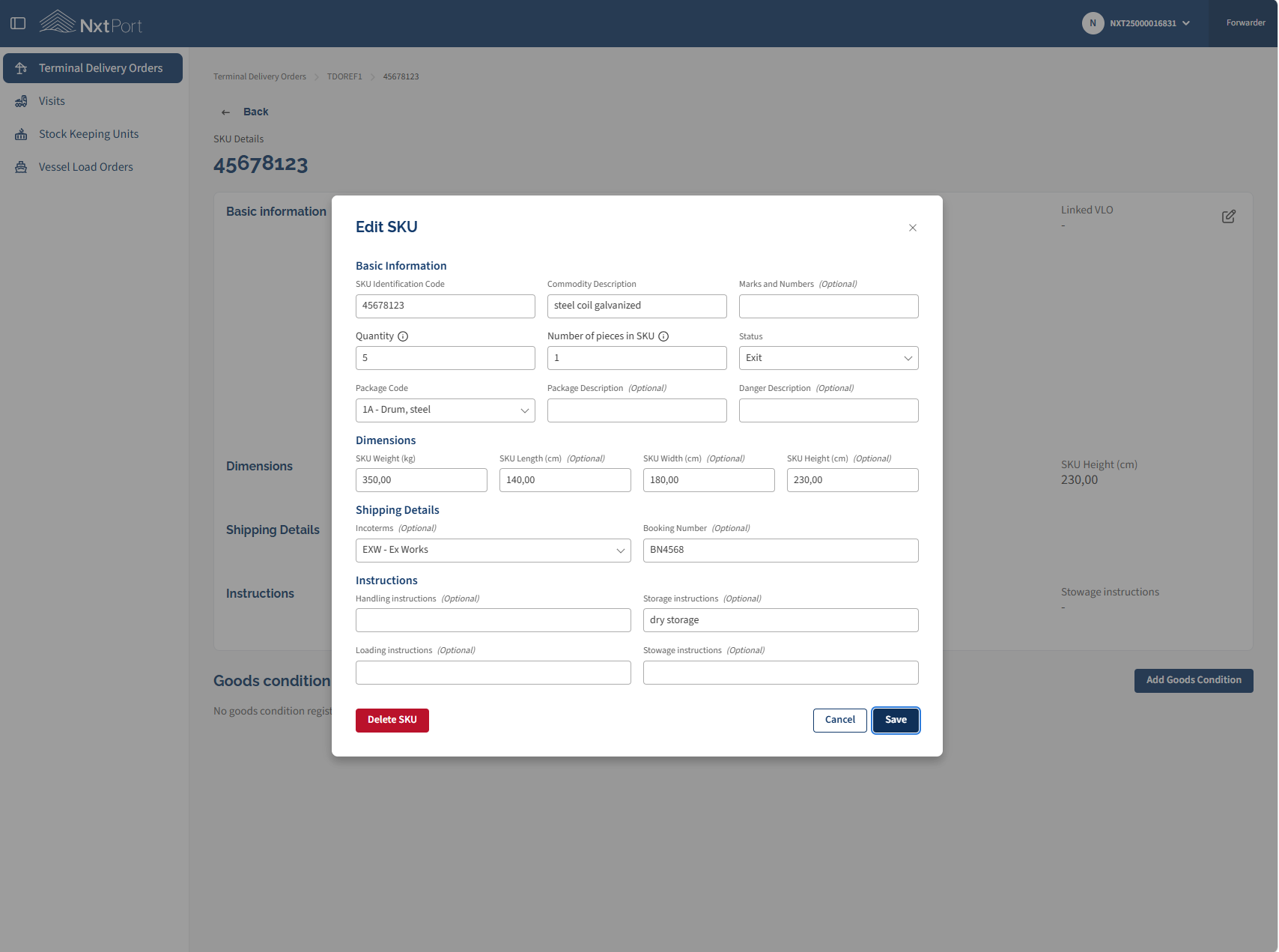
Edit SKU |
LSP, TO |
|
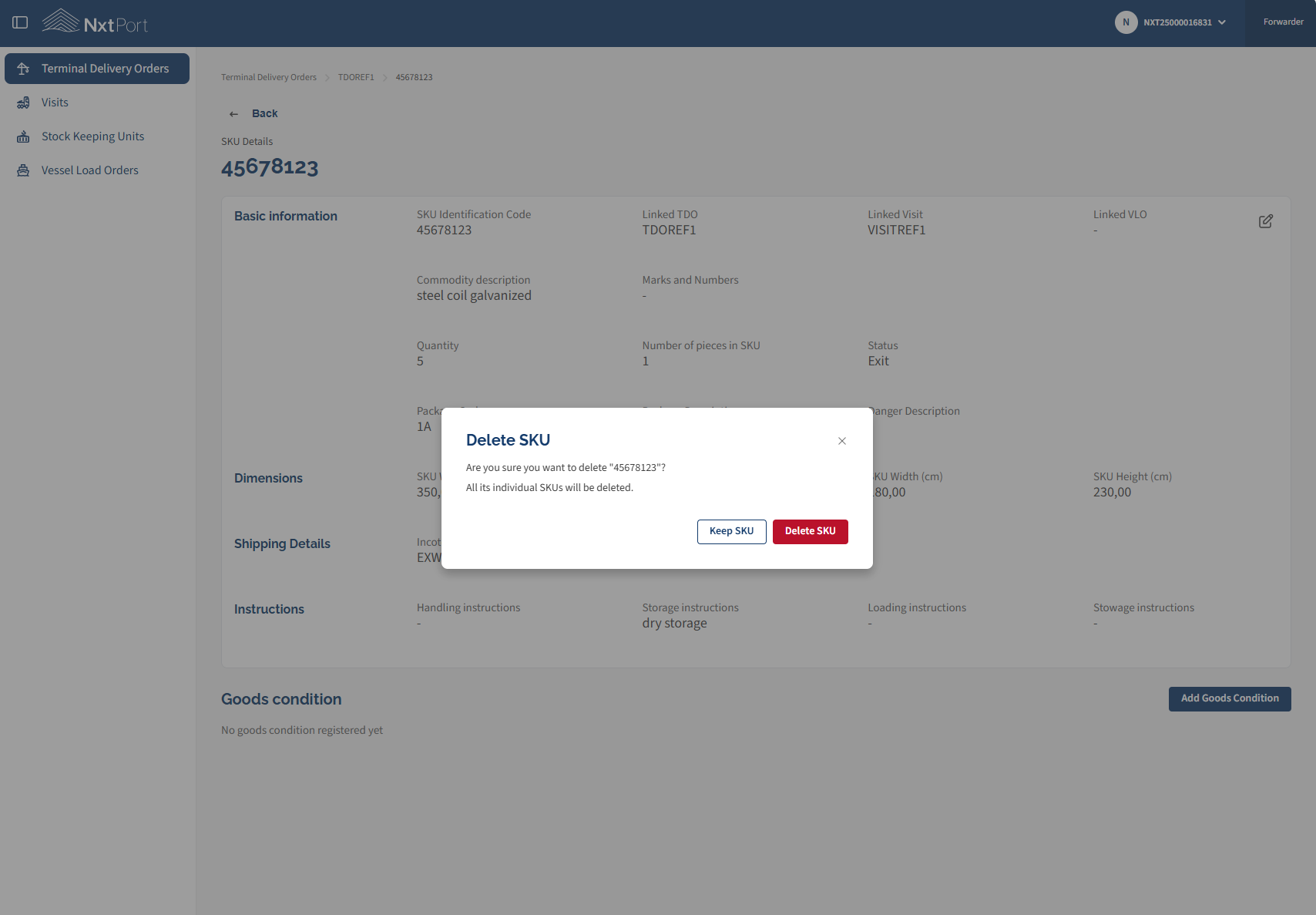
Delete SKU |
LSP |
|
Visit detail |
LSP, TO |
|
Edit / delete Visit |
LSP |
|
Add Goods Condition |
LSP |
|
Vessel Load Order (VLO) list |
LSP, TO and SA |
|
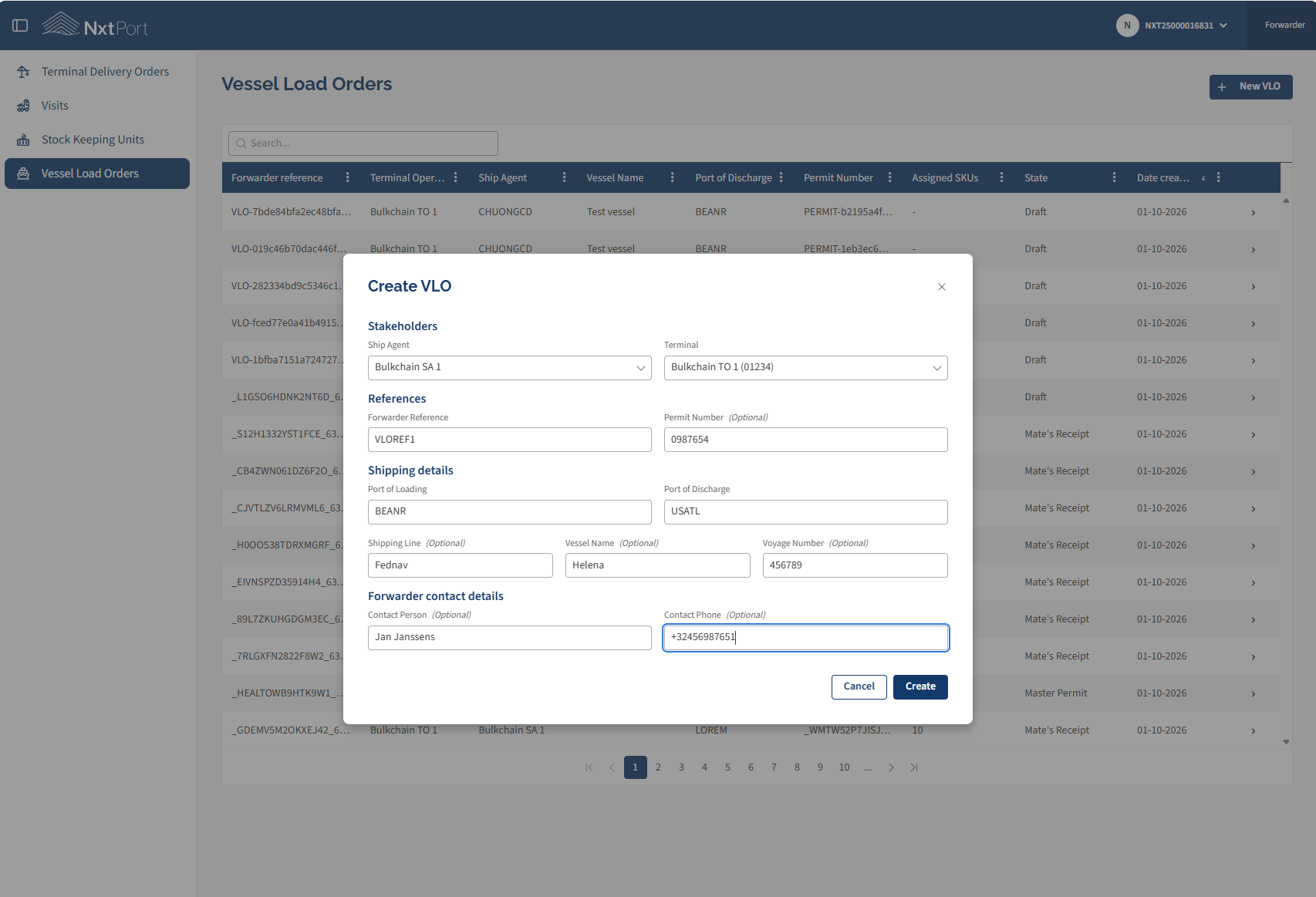
Add new VLO |
LSP |
The URL to access the UI remains identical. Which is Bulkchain for UAT.
Terminal Delivery Order (TDO) list
Add new TDO
TDO detail
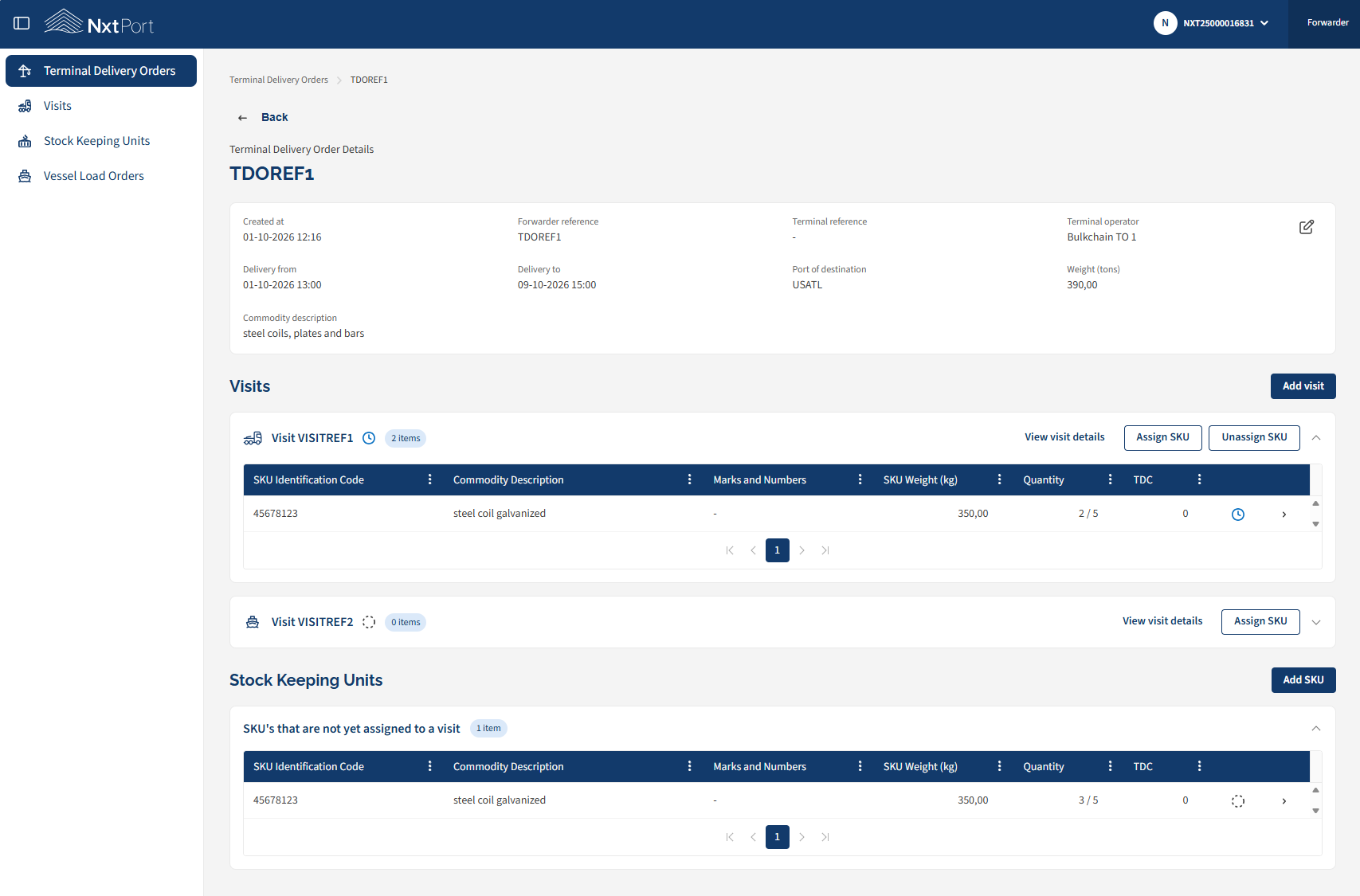
Edit / delete TDO
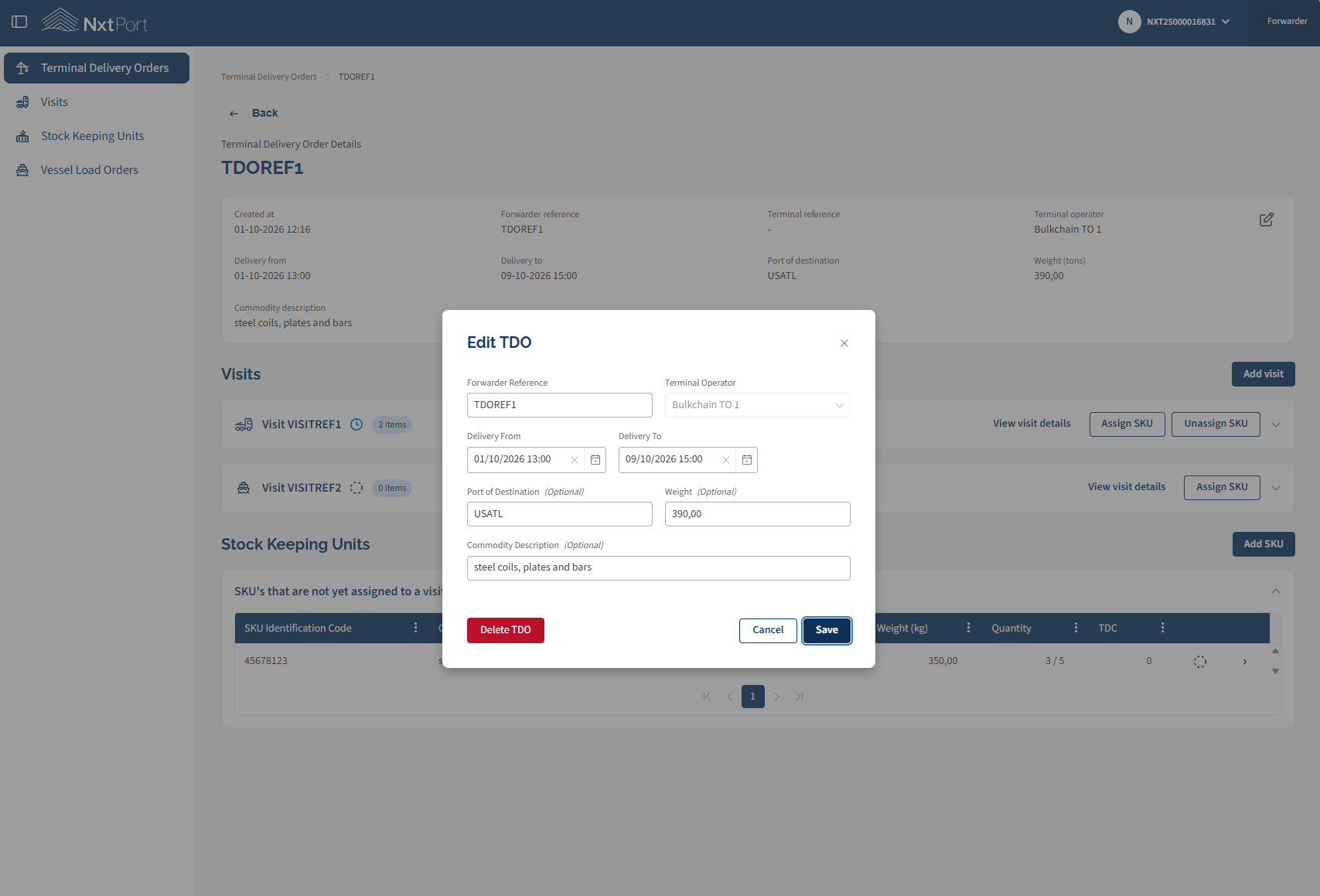
Add Stock Keeping Unit (SKU) to TDO
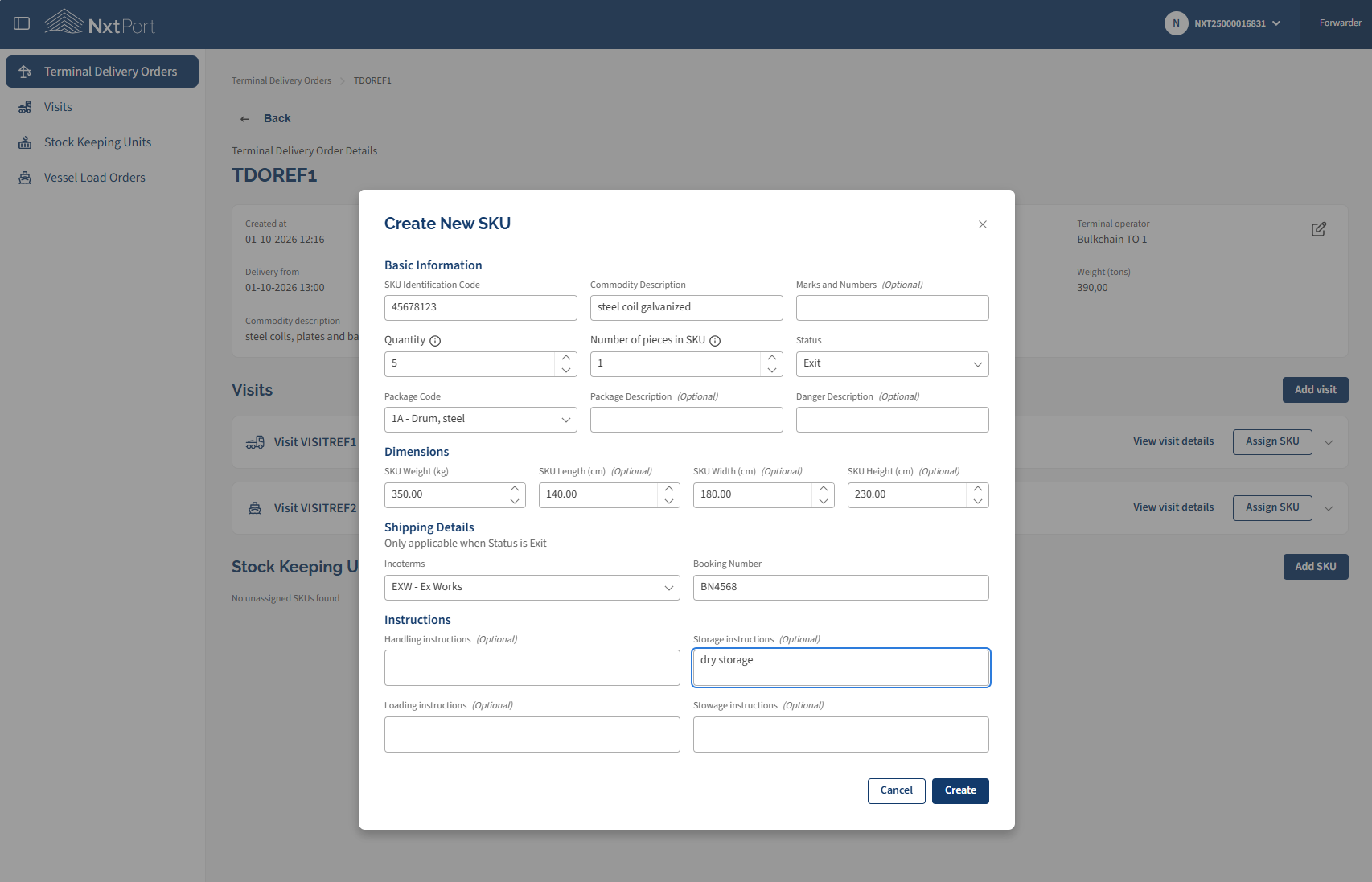
Add Visit to TDO
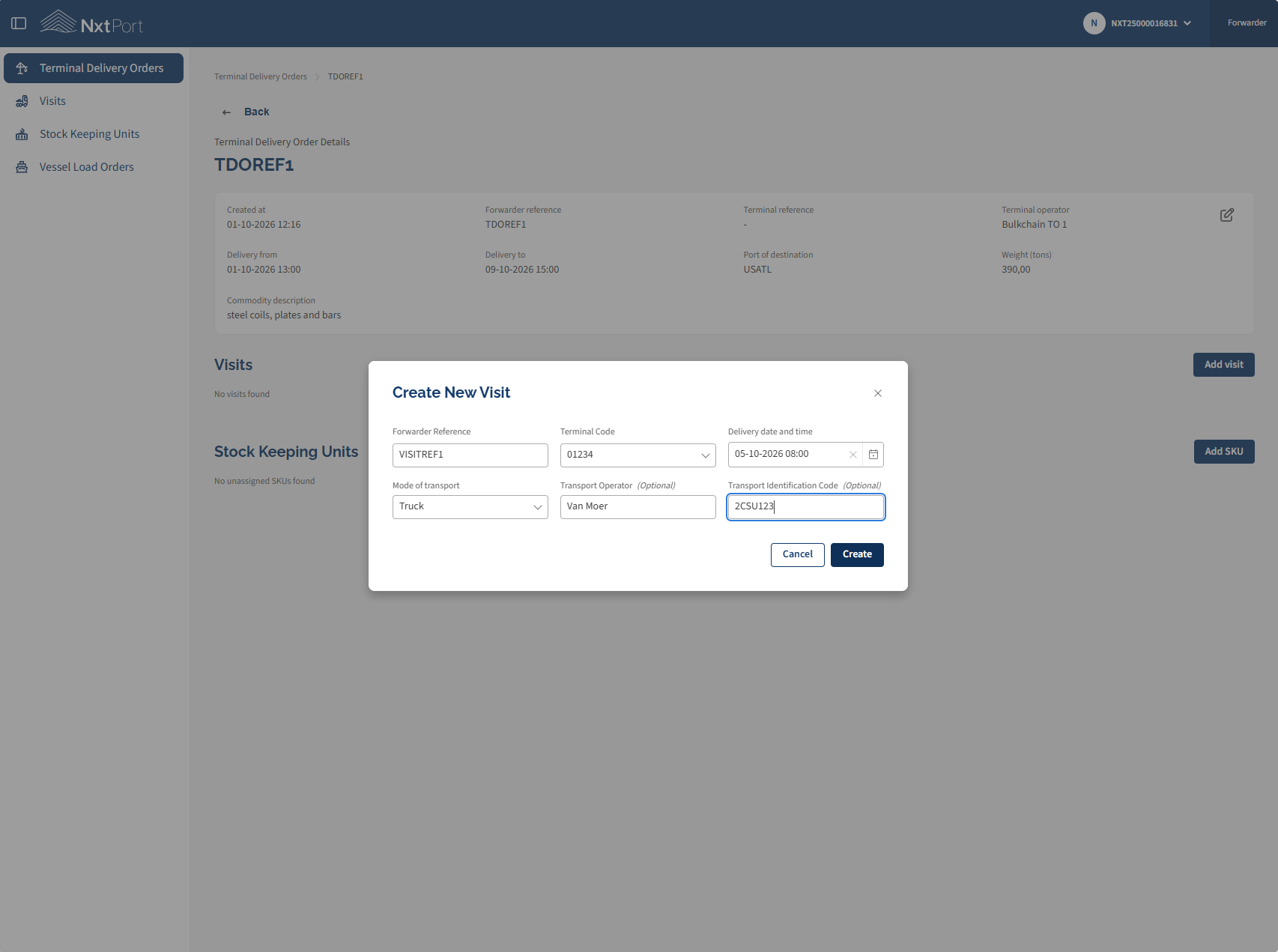
Assign SKU to Visit
SKU detail
Edit SKU
Delete SKU
Visit detail
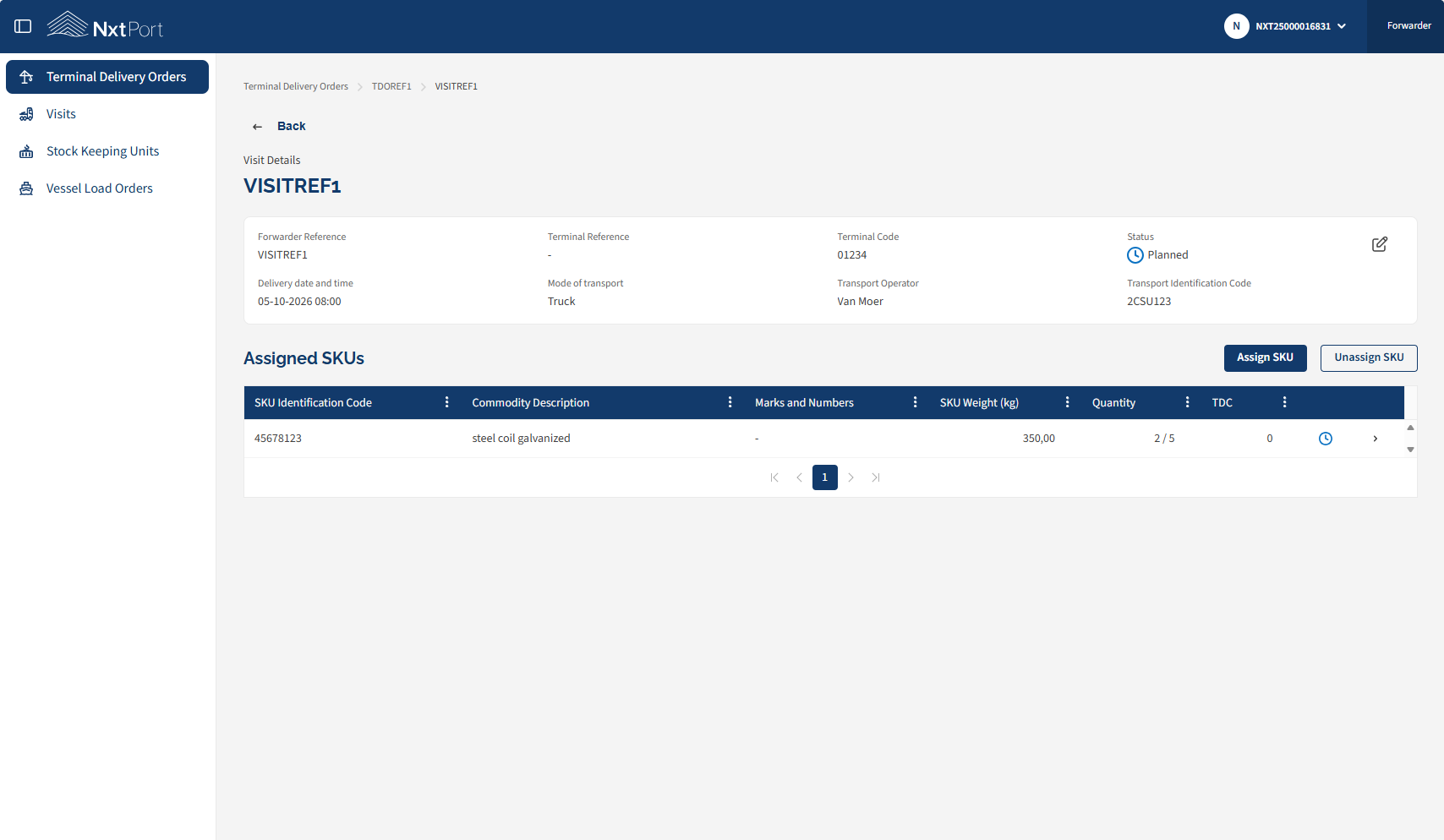
Edit / delete Visit
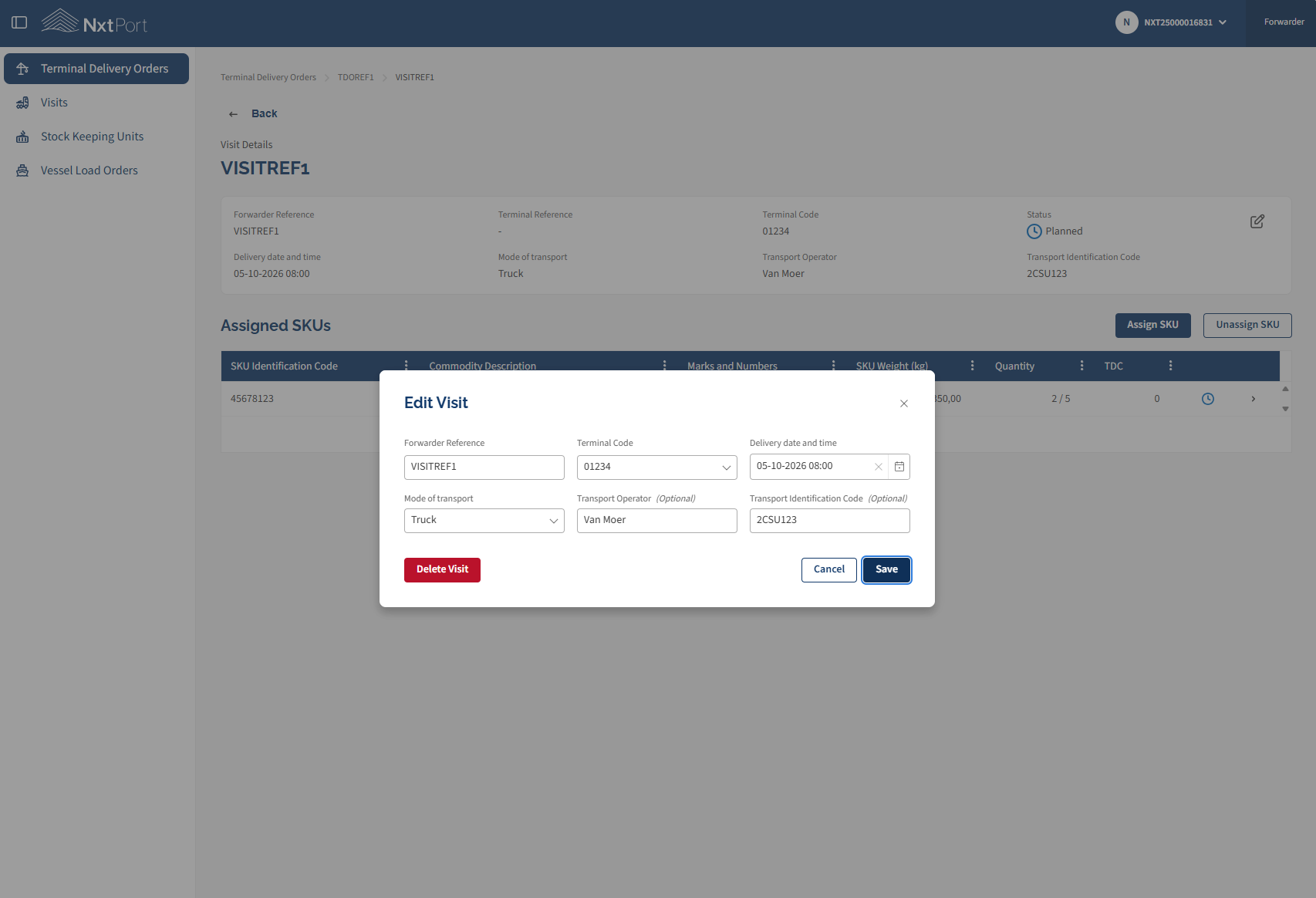
Add Goods Condition
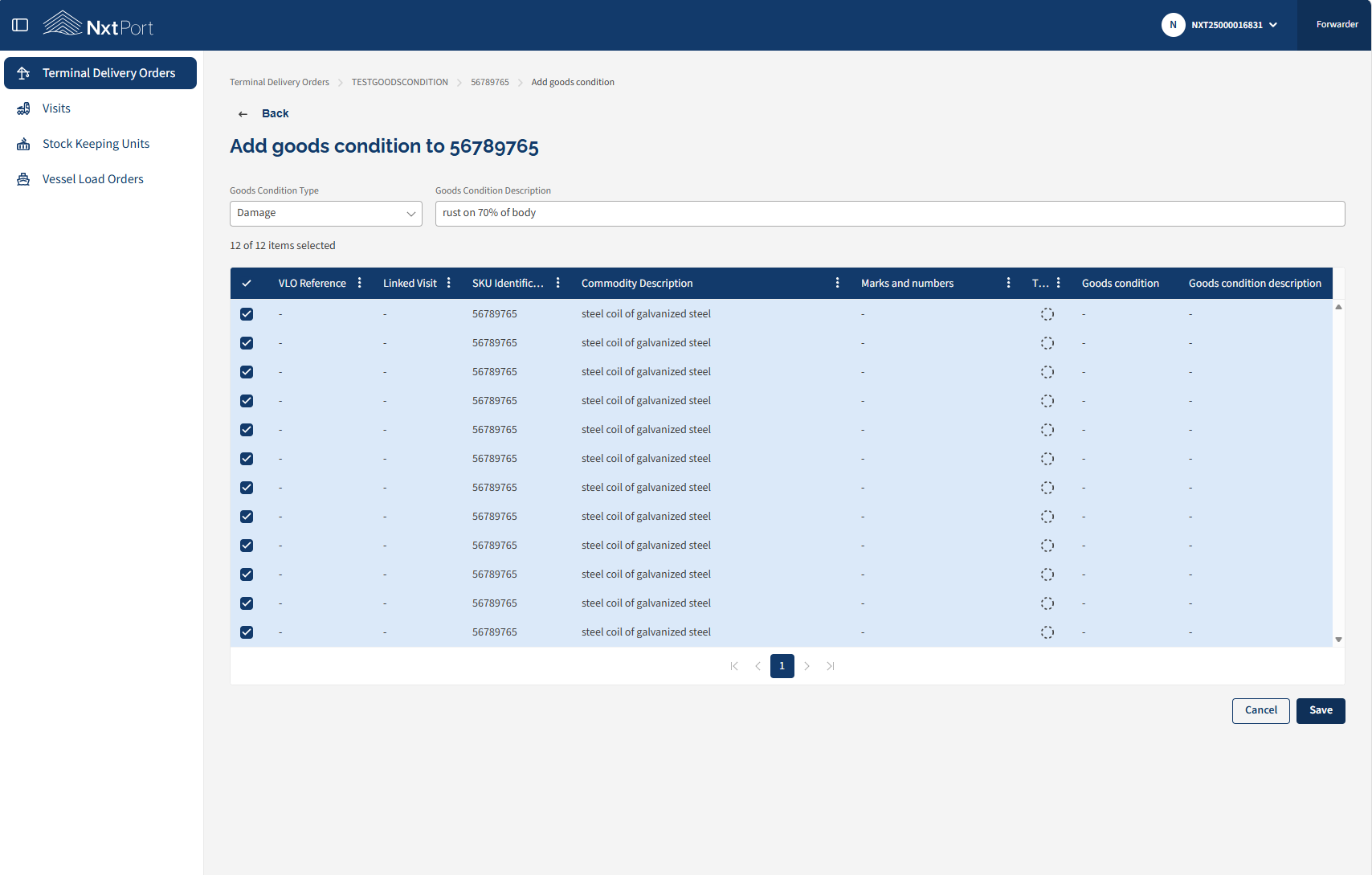
Vessel Load Order (VLO) list
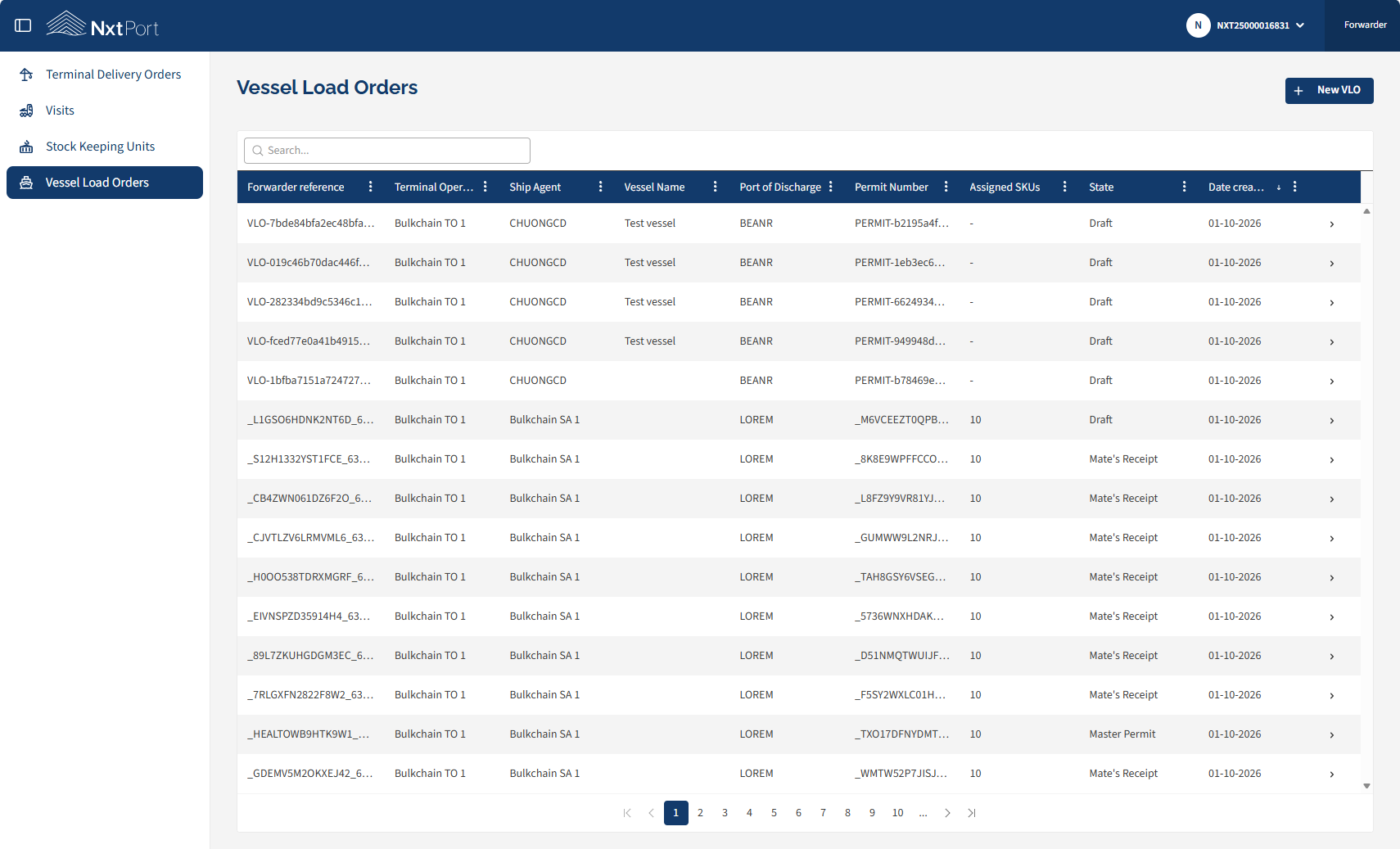
Add new VLO